I Built My Home’s
AI Assistant
problem
The family file cabinet
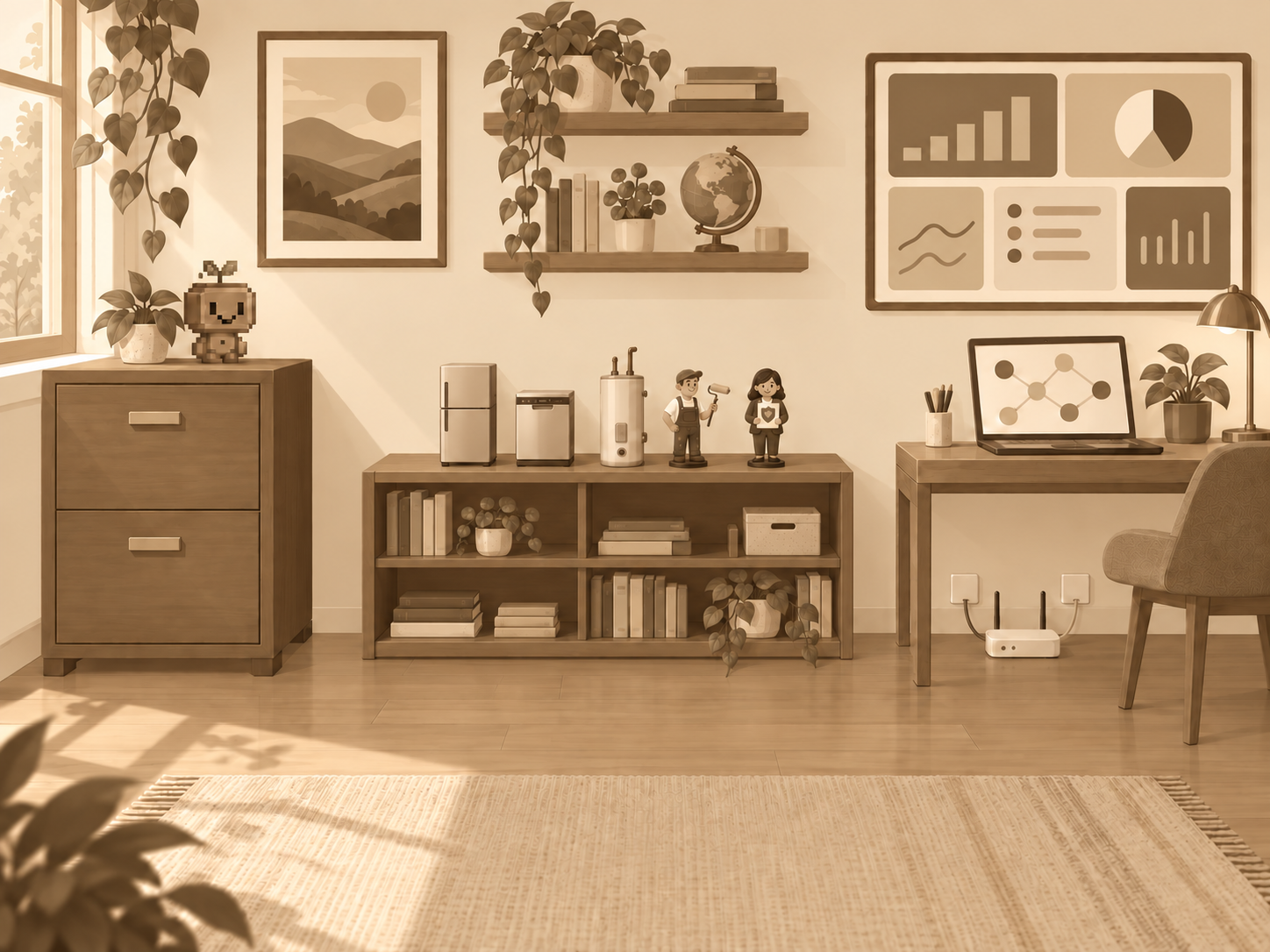
My dad always kept files. He could always pull up something relevant from years or decades ago. Getting my childhood bed to my son? He also had the original designs. How's your whole house fan? He has the manual, the install invoice from the vendor. What plumber have you used? He has the receipts.
There is a lot of context in the household files.
system design
AI can read that context
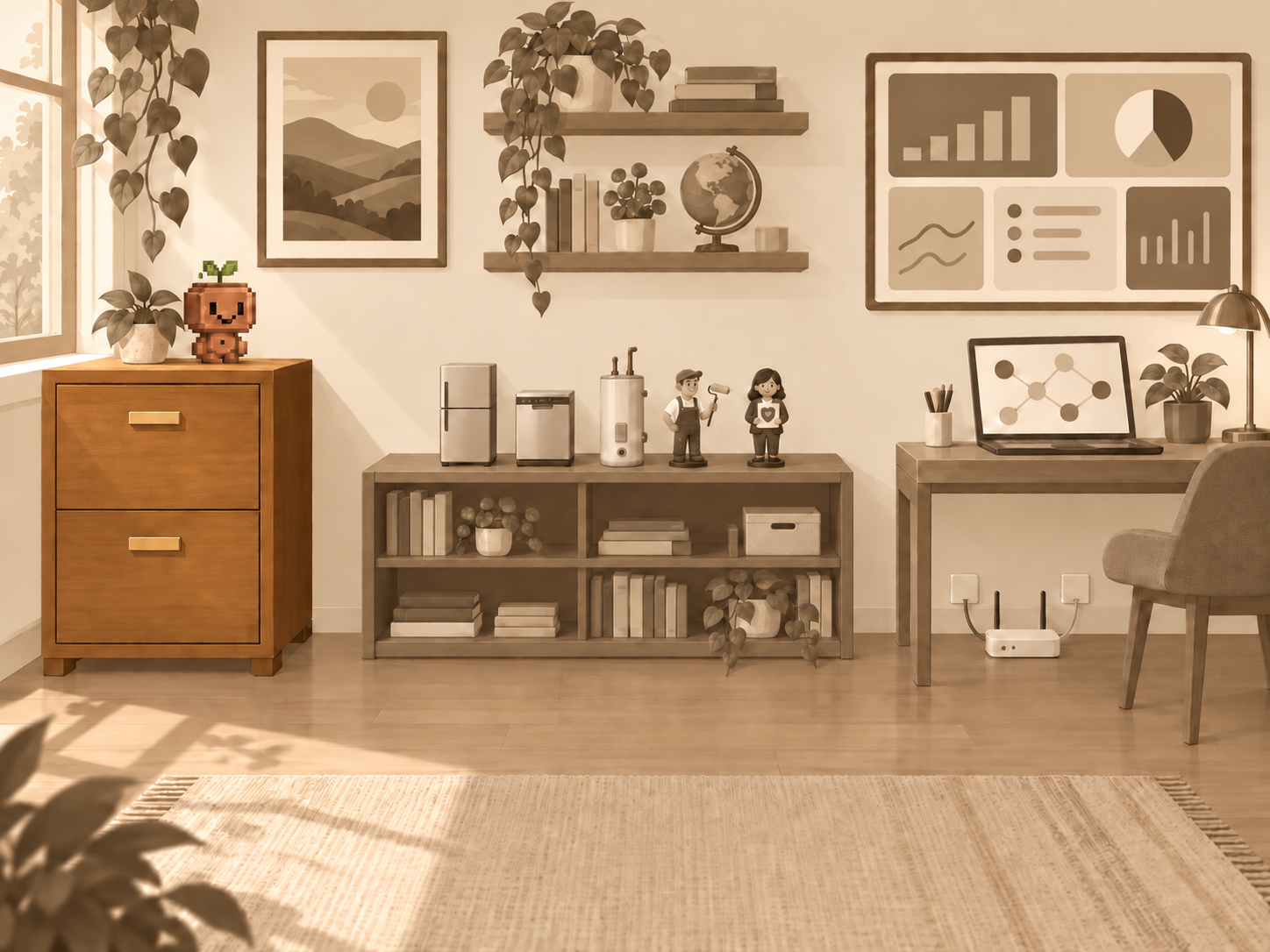
With LLMs, a new light can shine on massive collections of files. I wanted to build a system to structure the information and save it in a durable manner (no drift!).
The solution is a knowledge base system of .md files. They contain instructions for agents not only on how to read, but how to contribute and organize.
grounded conversations
Continual Read and Write
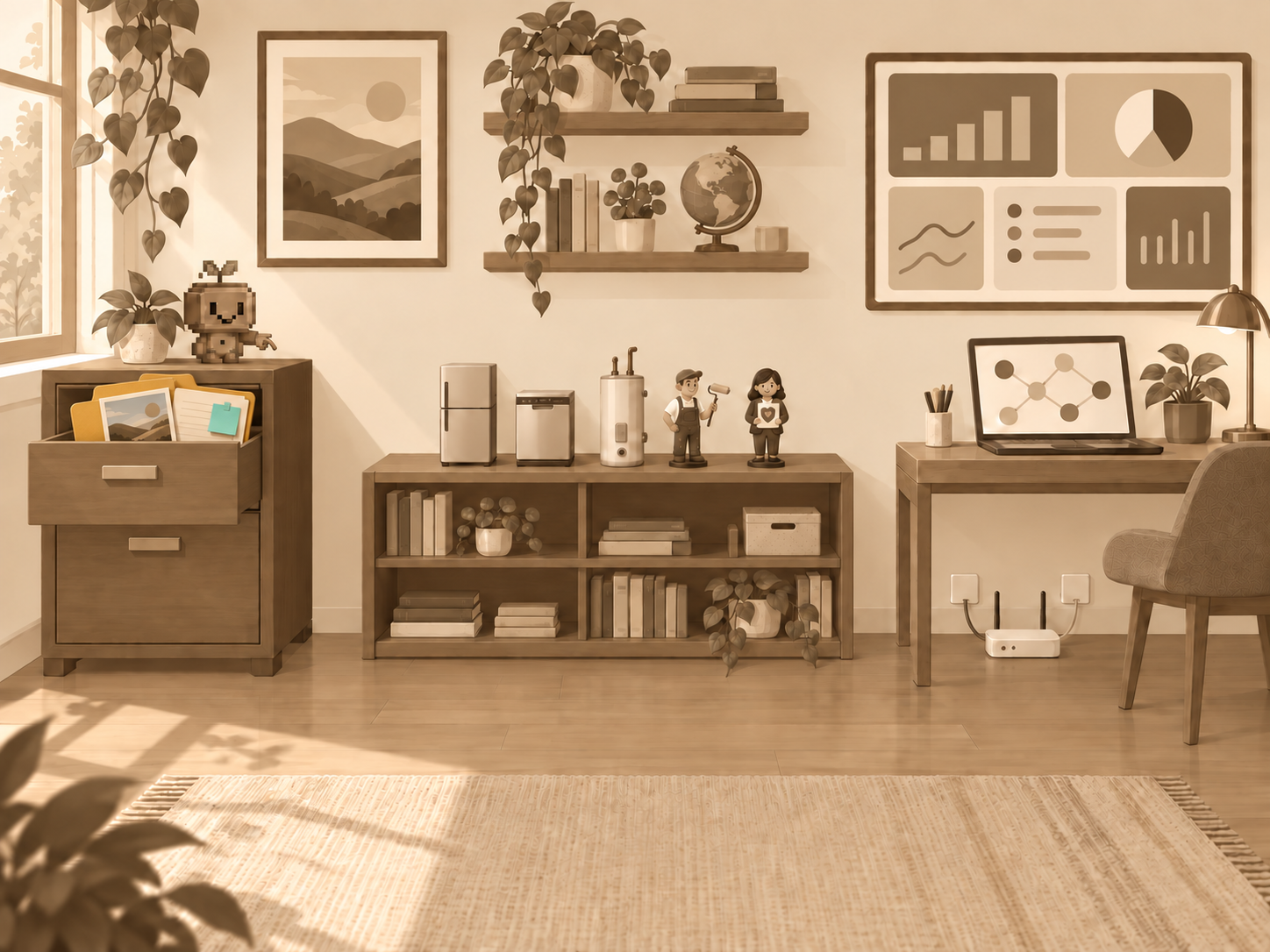
Now any Cowork or Coding agent I point at the directory can immediately jump in with detailed context. “Where are we with the plumbing project?” “Let’s plan the kids’ summer camps” “should we change our car insurance coverage?”
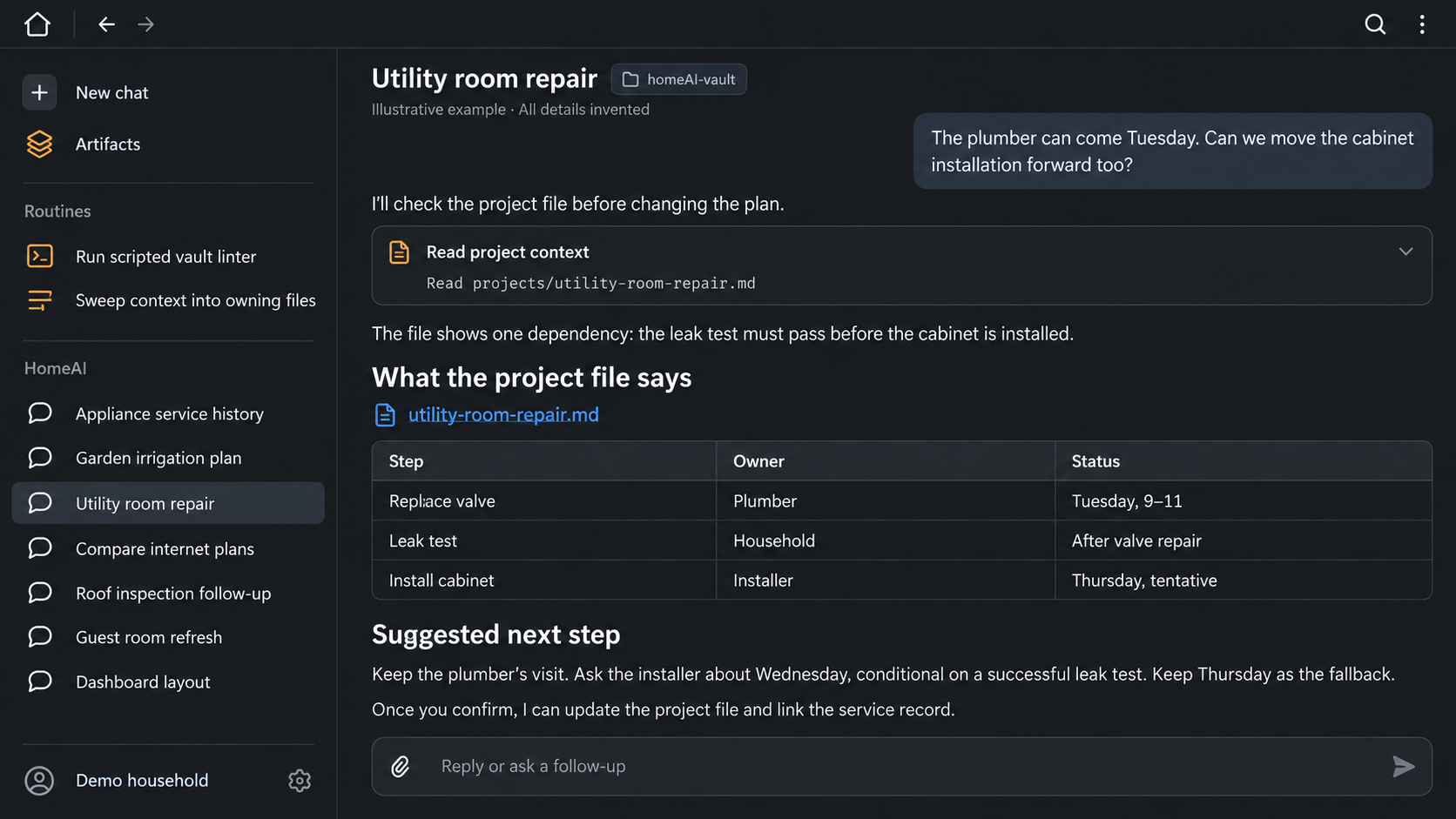
living inventory + project coordination
I gathered info from my house, my files, my contacts
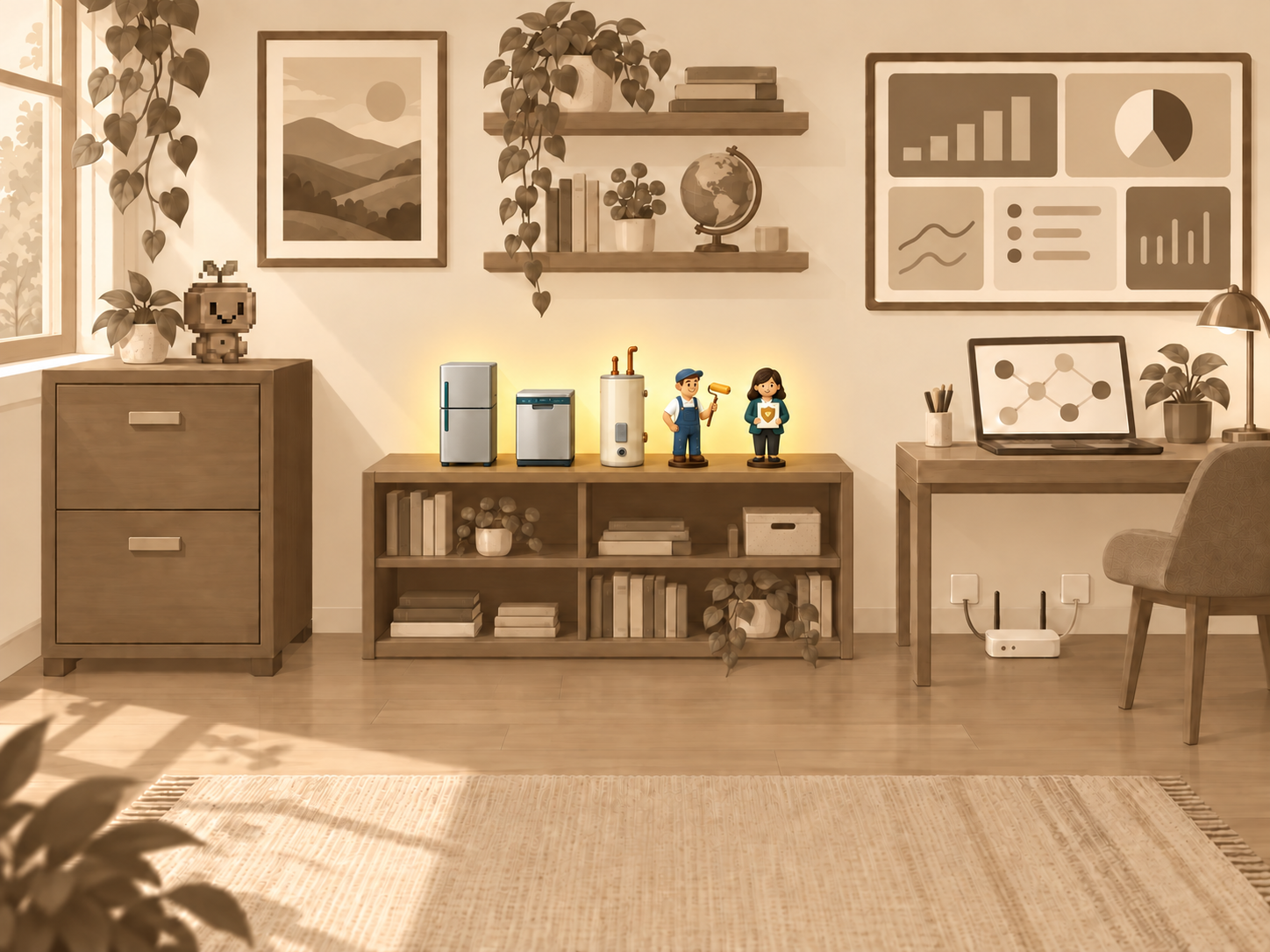
One common use of AI is a one-off chat, giving the session some context like a photograph or pasted text. ChatGPT and Claude also offer storing some things into their “memory”.
But I’m not having one-off conversations: every session grows the knowledge base, and I know exactly what is in memory because I can read or edit the .md files myself.
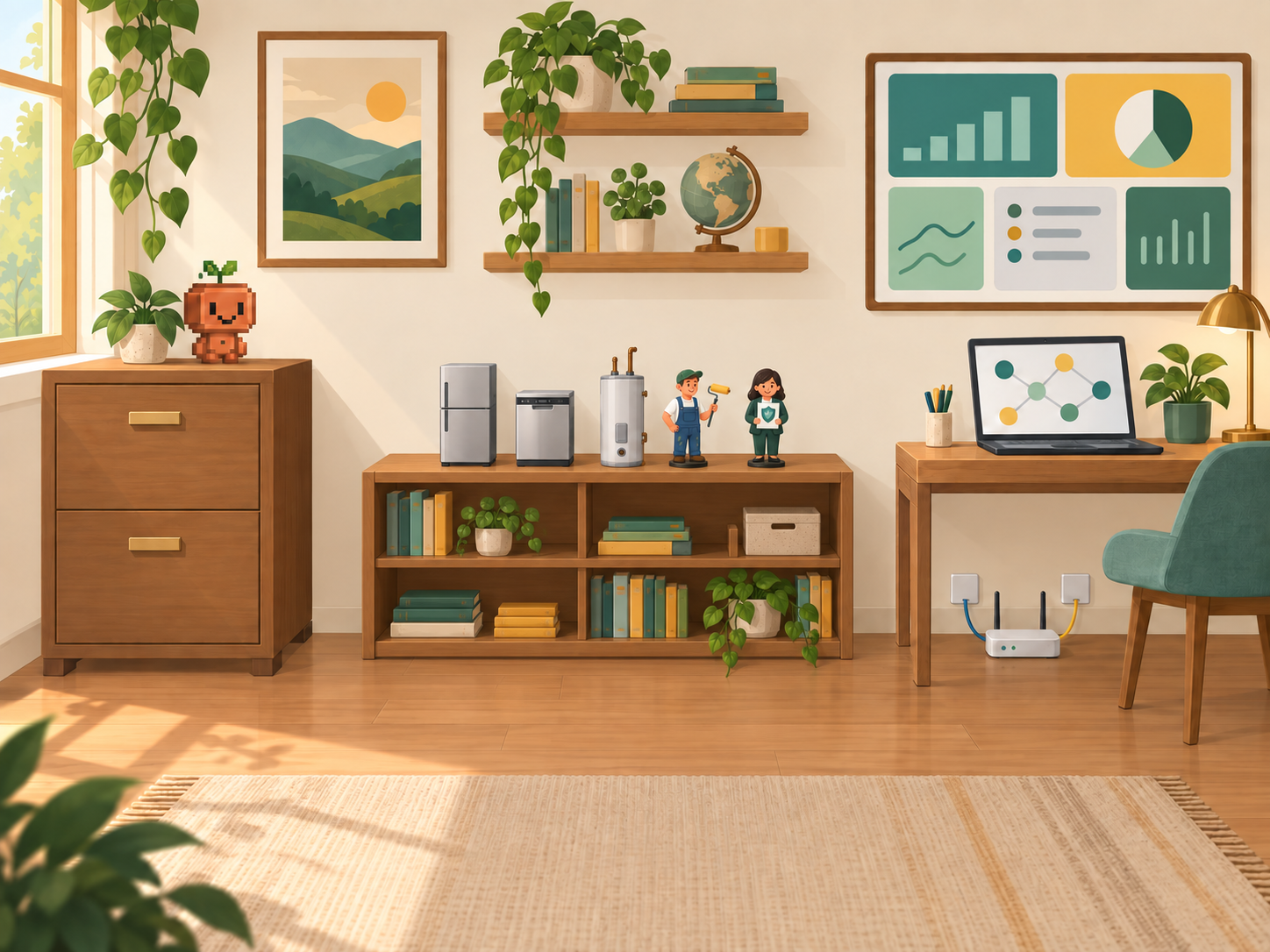
One of the first things I did to setup was go around the house and take photos of appliance serial numbers, and find service history emails. This gave me a confident feeling that I was capturing all the important things about maintaining my house, and while I had the information in email or on the appliances themselves, now it was organized and cross referenced and just… available.
generated views
Dakboard and Obsidian
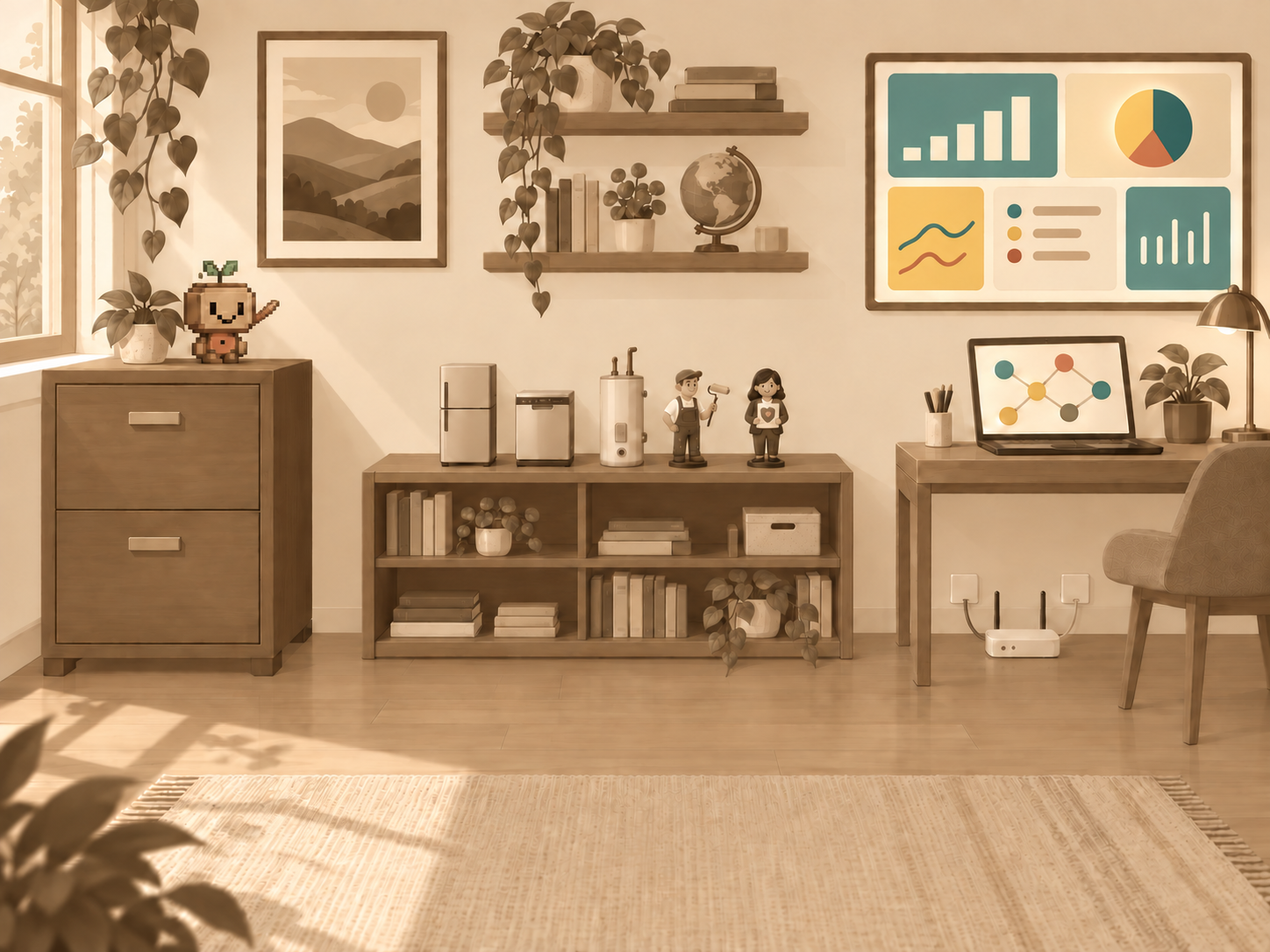
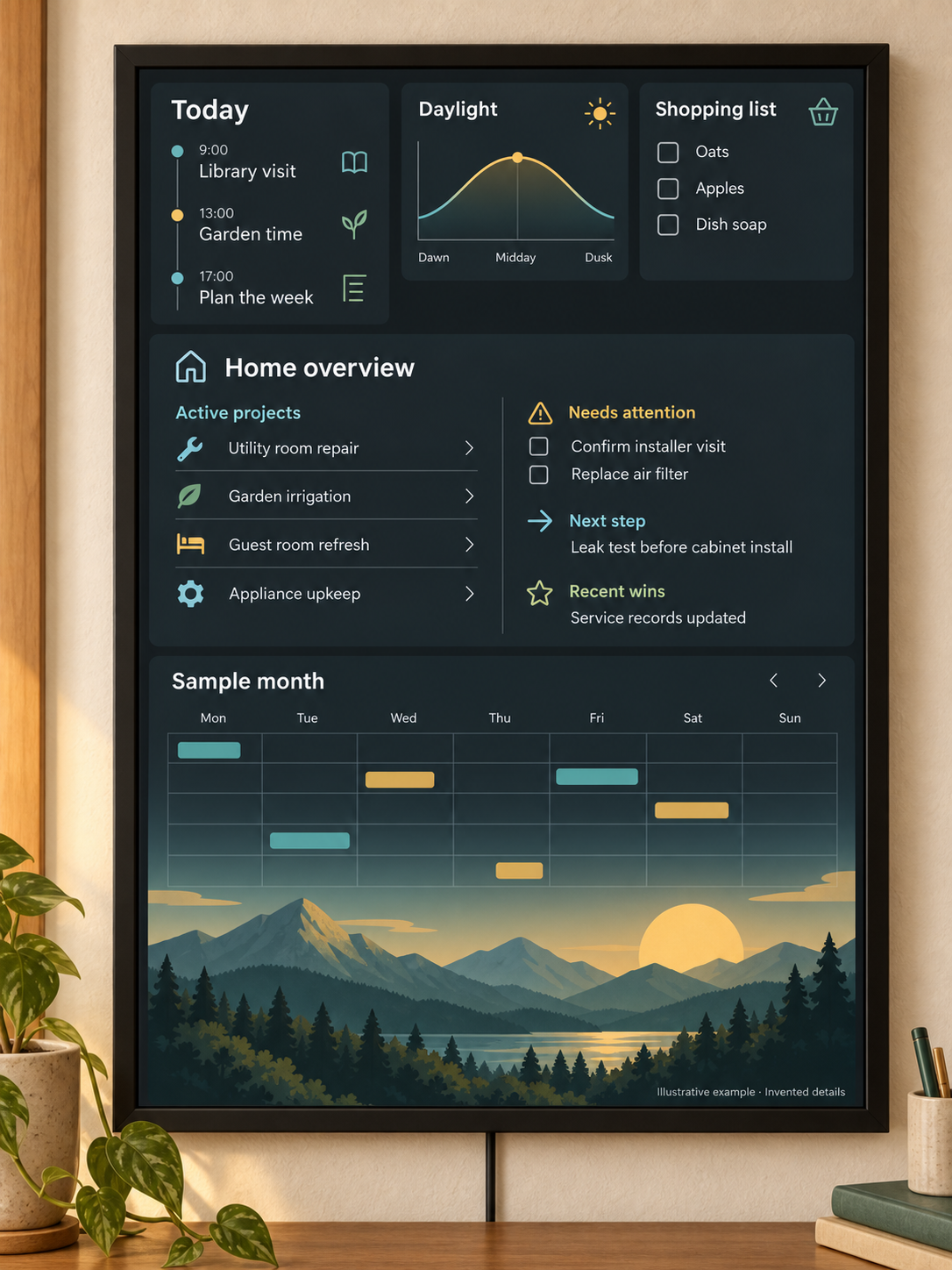
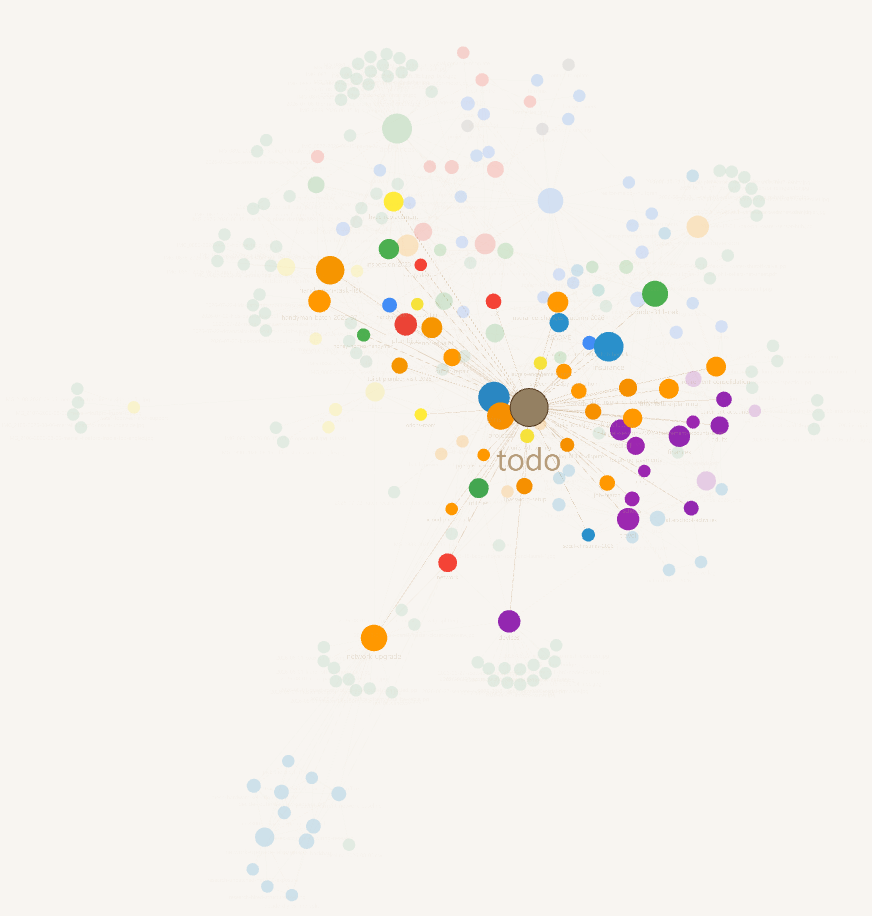
The main way I interact with the knowledge base is a Cowork or Coding chat session. But I also generate a dashboard of my todolist, active projects, upcoming trips, for a wall display (www.dakboard.com). This lets me and my family see, point out, and discuss. The other view afforded by the .md files is through Obsidian, which visualizes the cross references and structure between all the files and folders as a colored graph. This helps me keep an aerial view of the total scope.
sync + guardrails
Integrating with other systems
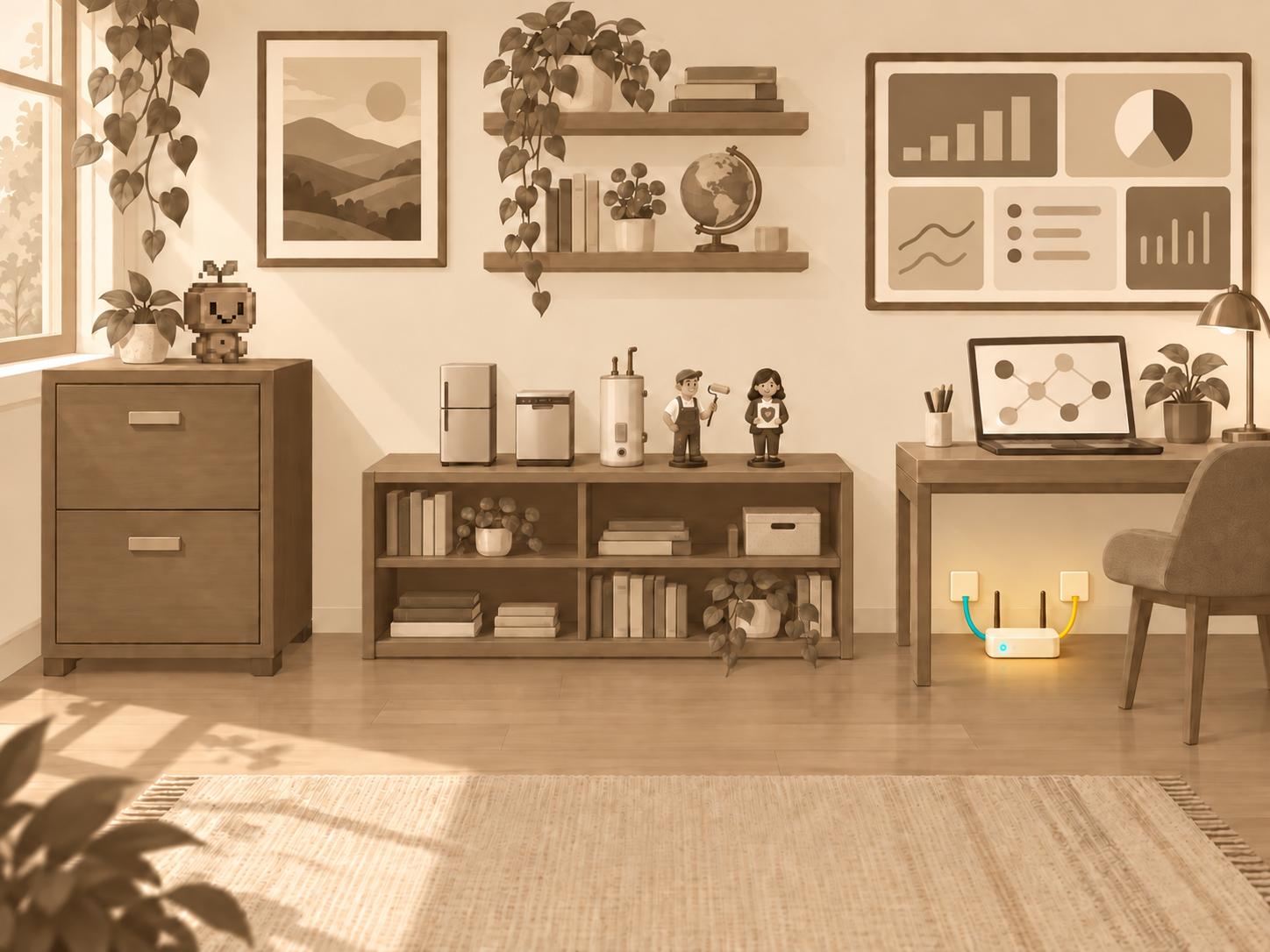
At first I wanted to keep the files in dropbox as an automatic backup and rudimentary version history solution. It also allowed my wife to sync and use her Claude on the same knowledge base. Eventually though we added in github for the scripts. All of this meant we wanted to keep an eye on security. So one of the rules of the knowledge base is to not record sensitive health, financial, or identity information.
outcome
The Files are In The Computer
As cell phone cameras have grown, they've changed how we take pictures. One behavior you can do is just never delete photos. The photos app should instead surface photos you want to look at (because you're able to find it, or via suggestion). So you end up with a mountain of photos and software helps you keep it at your fingertips.
It's similar here: LLMs can now process your lifetime file cabinet, so the key is to organize how that information gets accessed and surfaced to you. My homeAI is actually just a bunch of files, but rules-based agents keep it organized, keep it current, and keep it at my fingertips.
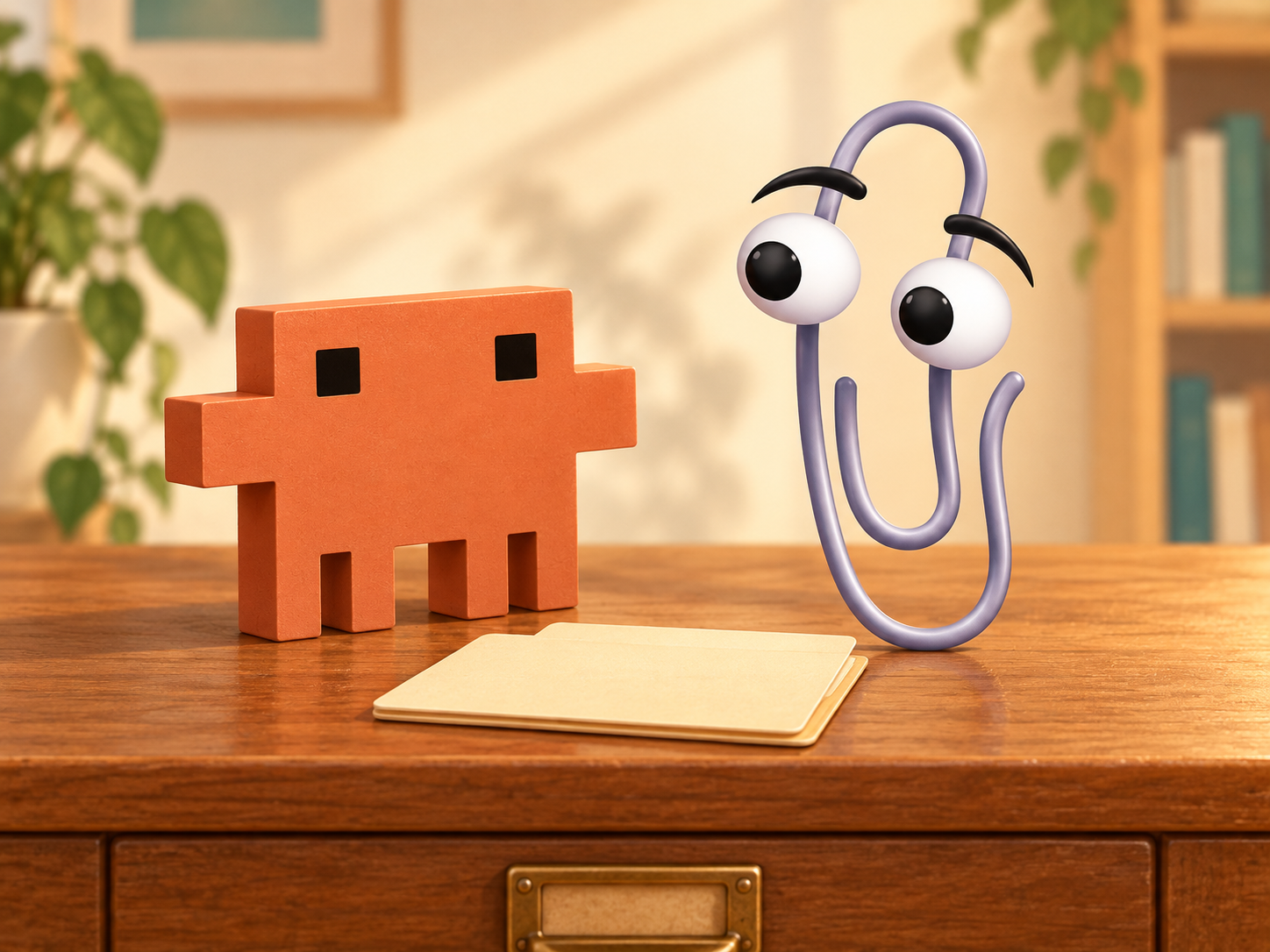
Long ago (!), Clippy and Microsoft Bob offered a feeling of the computer as a home with all your things in it, and an assistant to pull it all up for you. AI in 2026 gives me that feeling too: my computer doesn't just hold the archives, Clippy lives.
Parallels in Professional Settings
A recent episode of Claire Vo’s How I AI had a Product Manager describe a system of compiling all the context from his organization, and pointing AI chat sessions at it. This is a very similar system to my homeAI. It speaks to the power and potential of keeping your AI focused and grounded in your context.